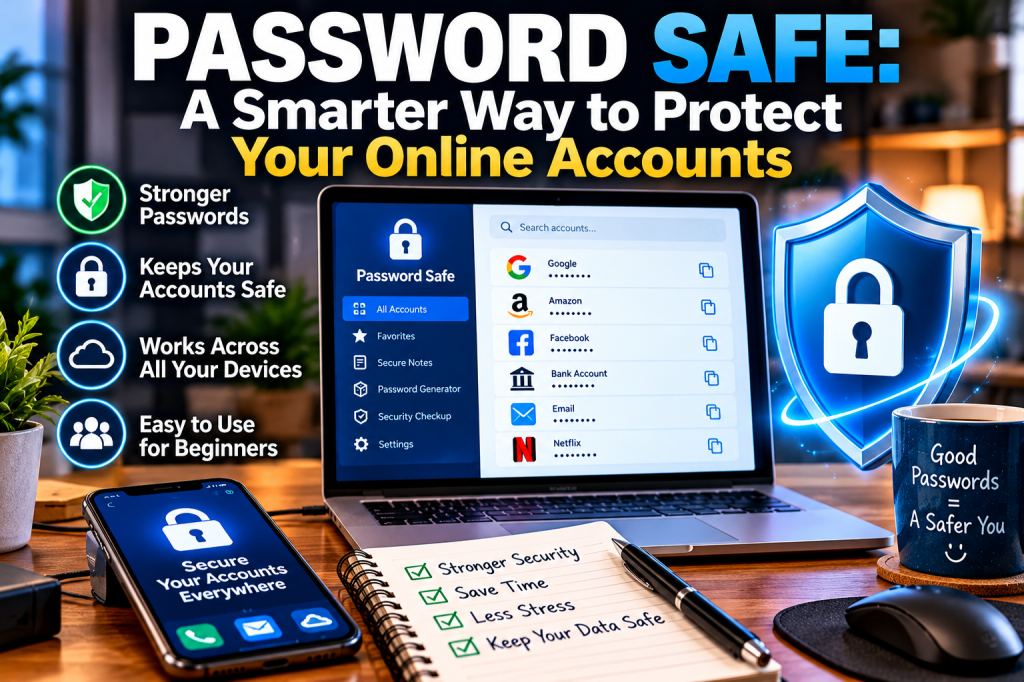
Stop Reusing Passwords. Start Protecting Your Digital Life.
Do you struggle to remember all your passwords? You’re not alone. Between email, online shopping, banking, social media, and dozens of other websites, keeping track of every login can become frustrating. Some people reuse the same password across multiple accounts simply because remembering dozens of different passwords is difficult. Unfortunately, that habit can put personal information at risk.
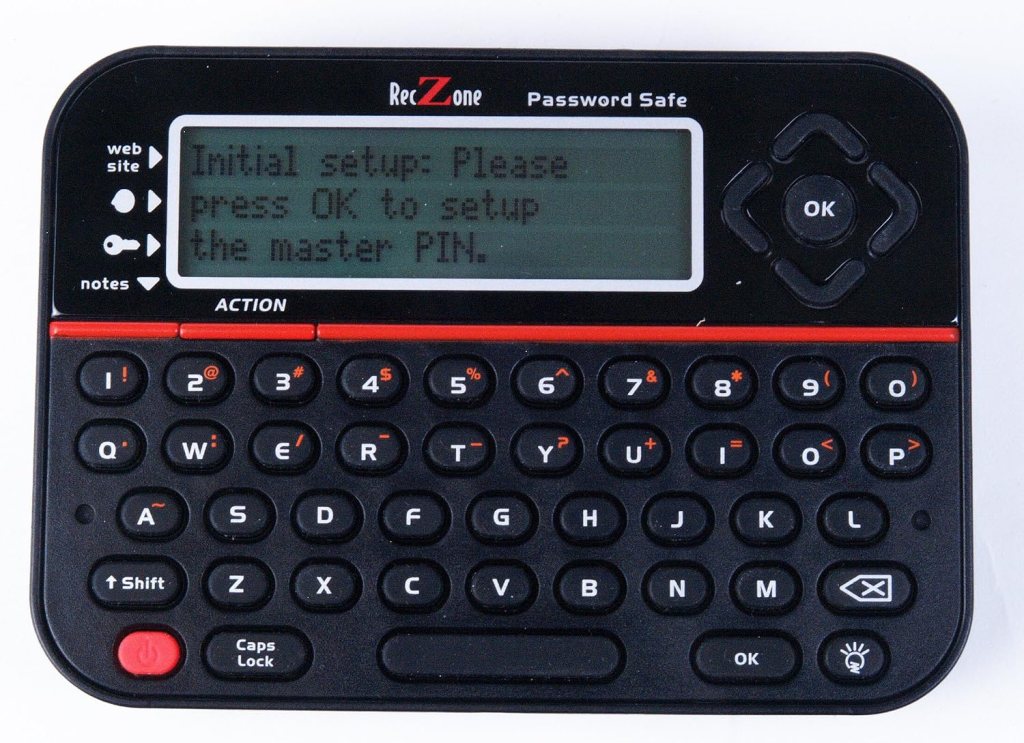
A password manager such as Password Safe offers a more organized approach to managing your digital life.
WHAT IS PASSWORD SAFE?
Password Safe is a password-management application designed to store passwords, login details, and other sensitive information inside an encrypted digital vault. Instead of trying to remember every password, you protect your stored information with a master password.
The Password Safe product available HERE is designed to work offline, with optional encrypted synchronization between devices. Its features include password generation, autofill, passkey support, and an authenticator for supported two-factor authentication codes. Features and availability depend on the version and device you use.
WHY USE A PASSWORD MANAGER?
1. Create Stronger, Unique Passwords
Reusing passwords is risky. If one website suffers a data breach, criminals may try the same password on your other accounts. A password manager can generate long, unique passwords for different websites, helping reduce the damage caused by a compromised account.
2. Remember One Master Password
Instead of memorizing dozens of credentials, you use one master password to unlock your vault. Choose a strong master password that you don’t use anywhere else. Protect it carefully, because losing it may mean losing access to your stored information.
3. Store Logins in One Organized Place
A password vault can help you organize account details and find the correct login when you need it. Some versions also support autofill, allowing you to enter saved credentials without repeatedly typing them.
4. Keep Privacy in Mind
The Password Safe app is encrypted locally using AES-256 and that optional cloud synchronization is encrypted before data leaves your device. These features may appeal to people who prefer more control over their stored information. Always review the privacy policy, backup options, and security documentation for the exact version you plan to use.
5. Spend Less Time Recovering Accounts
Using unique passwords and organizing them securely can make everyday online tasks easier. You may spend less time resetting forgotten passwords and more time getting things done.
IS PASSWORD SAFE RIGHT FOR YOU?
A password manager may be useful if you have many online accounts, frequently forget passwords, or want to stop reusing the same credentials. Before choosing any password manager, compare supported devices, free and paid features, backup methods, recovery options, and synchronization requirements.
Remember that a password manager cannot prevent every scam. Use multifactor authentication on important accounts, keep your devices updated, and never share your master password.
Final Thoughts
Protecting your online accounts doesn’t have to be complicated. A password manager can make strong, unique passwords easier to use and manage. At Trusted Tech Buys, our goal is to help everyday users understand technology, compare their options, and make informed decisions without getting overwhelmed by technical jargon.


We Welcome Your Reply