
By Trusted Tech Buys
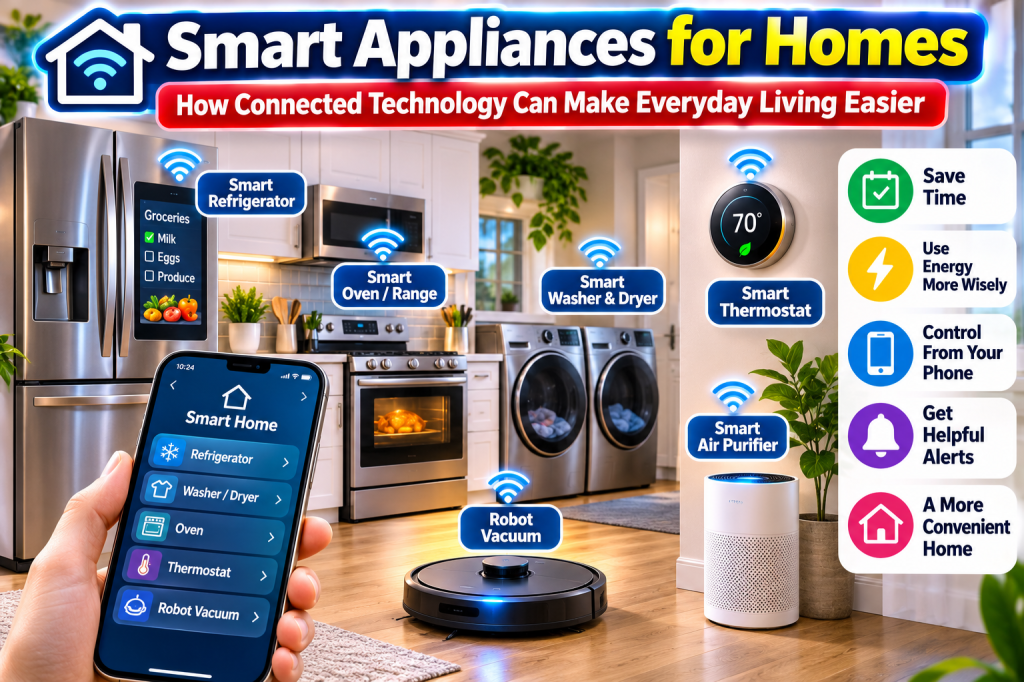
Imagine a refrigerator that helps you keep track of groceries, a washing machine you can start from your phone, a thermostat that adjusts the temperature automatically, or a robot vacuum that cleans your floors while you’re away.
That is the promise of smart home appliances. Technology is changing the way people cook, clean, manage energy, and take care of their homes. And you don’t have to be a computer expert to take advantage of it.
The good news is that you don’t need to replace every appliance in your house. You can start with one useful device, learn how it works, and gradually add more connected products as your needs and budget allow.
This Trusted Tech Buys guide explains what smart appliances do, which ones are worth considering, and what to look for before spending your money.
What Makes an Appliance Smart?
A smart appliance is an ordinary household appliance with added technology that allows it to connect to the internet, communicate with an app, or work with other compatible smart devices.
Instead of simply pressing buttons on the appliance, you may be able to check its status, receive alerts, change certain settings, or schedule activities from your smartphone.
For example, a smart washing machine might send you a notification when a load finishes. A smart refrigerator might alert you that its door was left open. A smart thermostat can follow a schedule and adjust temperatures when the house is empty.
The important thing to remember is that smart features should make an appliance more useful. They shouldn’t be the only reason you buy it.
1. Smart Refrigerators: A More Connected Kitchen
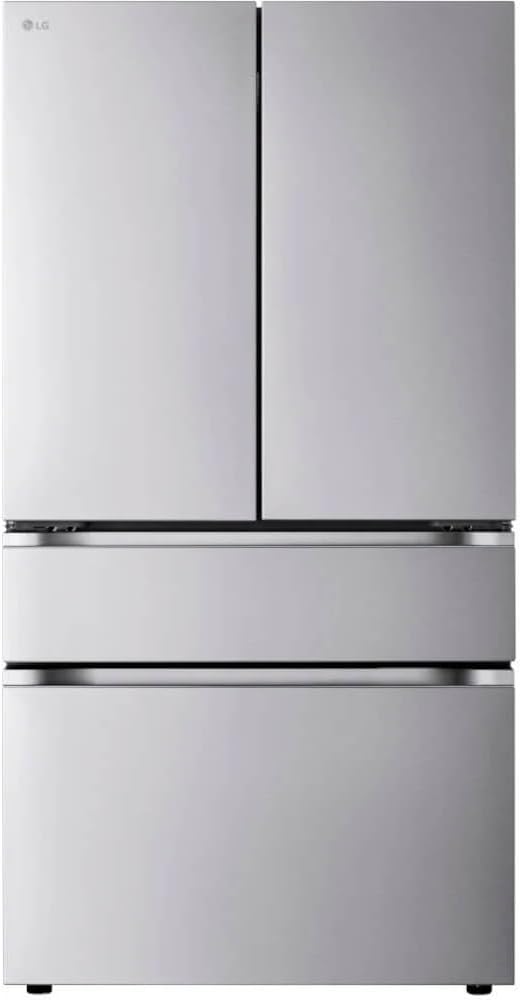
The refrigerator is one of the most important appliances in any home. Newer smart models add technology that can make managing food and groceries easier.
Depending on the model, features may include:
- Alerts when a refrigerator door is left open.
- Temperature monitoring through a smartphone app.
- Interior cameras on certain models.
- Grocery lists and food-management tools.
- Large touchscreens for family information and entertainment.
- Energy monitoring and maintenance notifications.
Some refrigerators even use artificial intelligence to recognize certain foods inside the refrigerator. The technology can be helpful, but shoppers should understand that recognition isn’t perfect and may require manual corrections.
Who should consider one? Families, busy households, and people who enjoy having connected technology in the kitchen.
2. Smart Washing Machines and Dryers
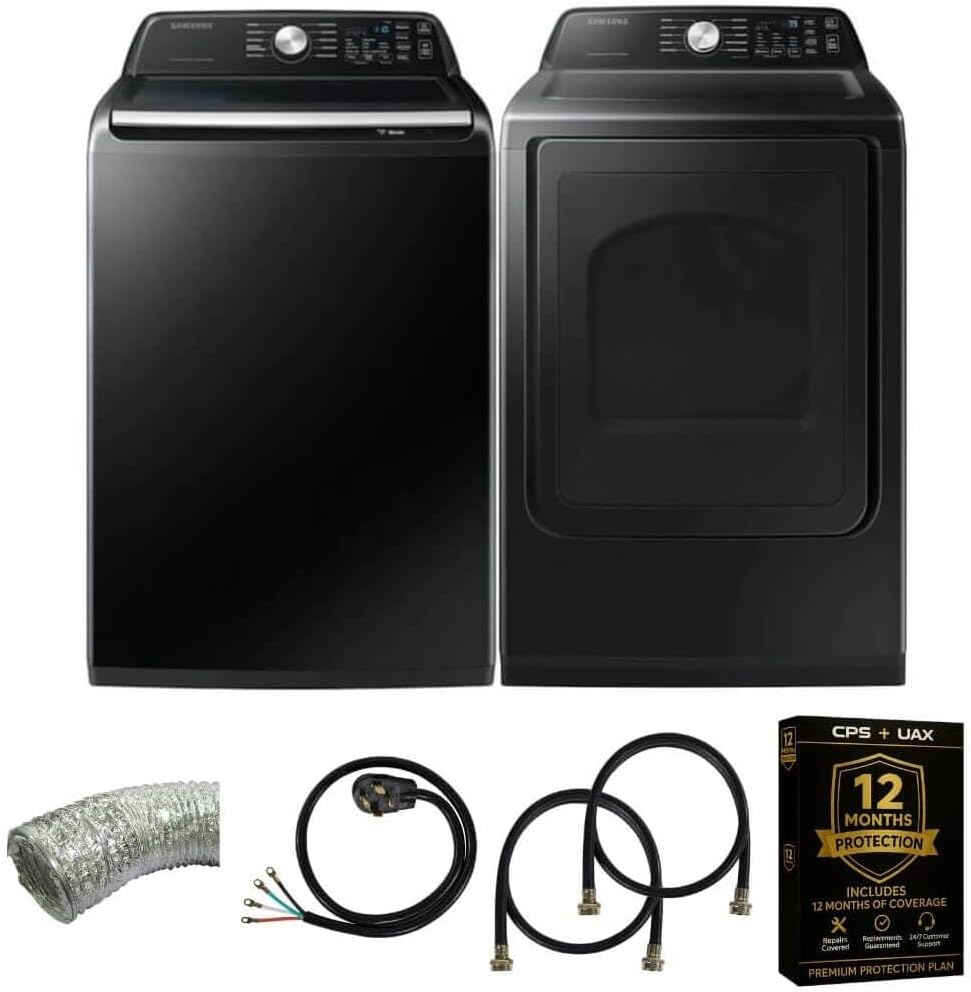
Laundry is a never-ending household chore. Smart washers and dryers can make the process easier to manage.
Depending on the model, you may be able to:
- Start or schedule certain wash cycles through an app.
- Check how much time remains.
- Receive notifications when laundry is finished.
- Download specialty wash cycles.
- Receive maintenance alerts.
- Monitor energy and water usage on supported models.
Some connected washers can also recommend a compatible dryer setting after a wash cycle.
One important detail: Remote-start functions may require you to enable the feature on the machine first. Safety requirements can prevent an appliance from starting remotely under certain conditions.
Who should consider one? Large families, people with busy schedules, and homeowners who want better control over laundry routines.
3. Smart Dishwashers: Less Guesswork in the Kitchen
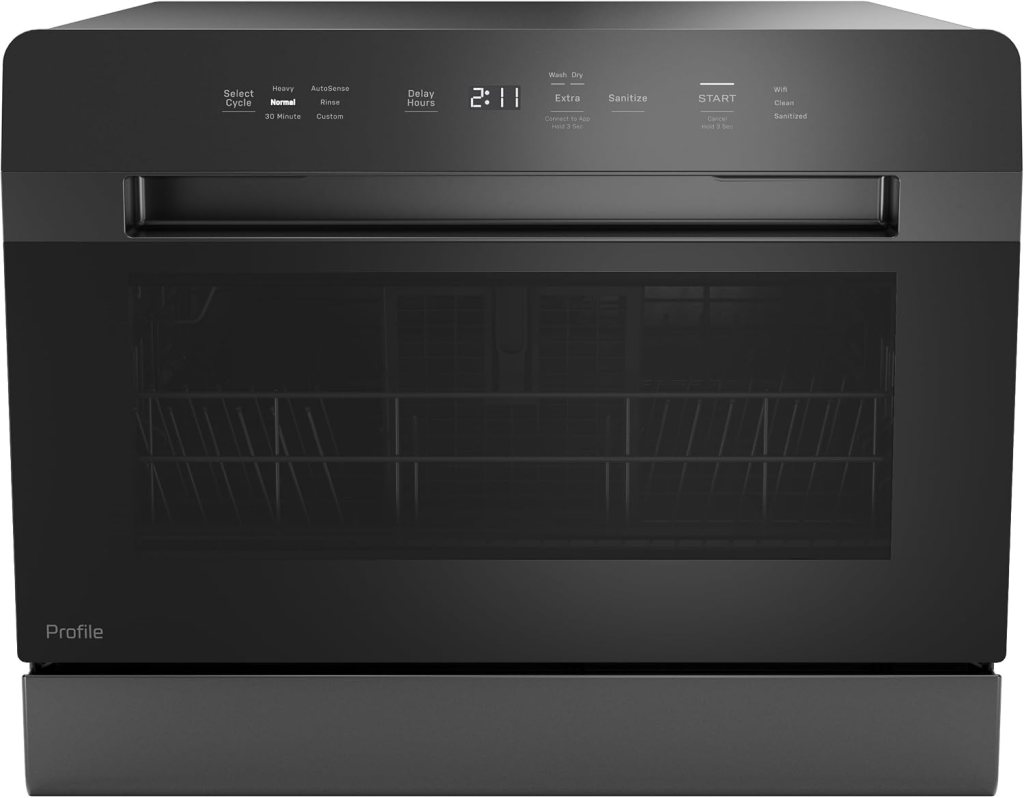
A smart dishwasher can connect to your home Wi-Fi and provide information about its operation.
Useful features may include:
- Notifications when a wash cycle finishes.
- Cycle monitoring through a smartphone.
- Maintenance reminders.
- Leak or error alerts on supported models.
- Additional wash-cycle options.
Some models let you download specialized cycles for different types of dishes and cookware.
However, don’t pay a large premium just for a phone notification. Cleaning performance, noise level, capacity, reliability, and water use should come first.
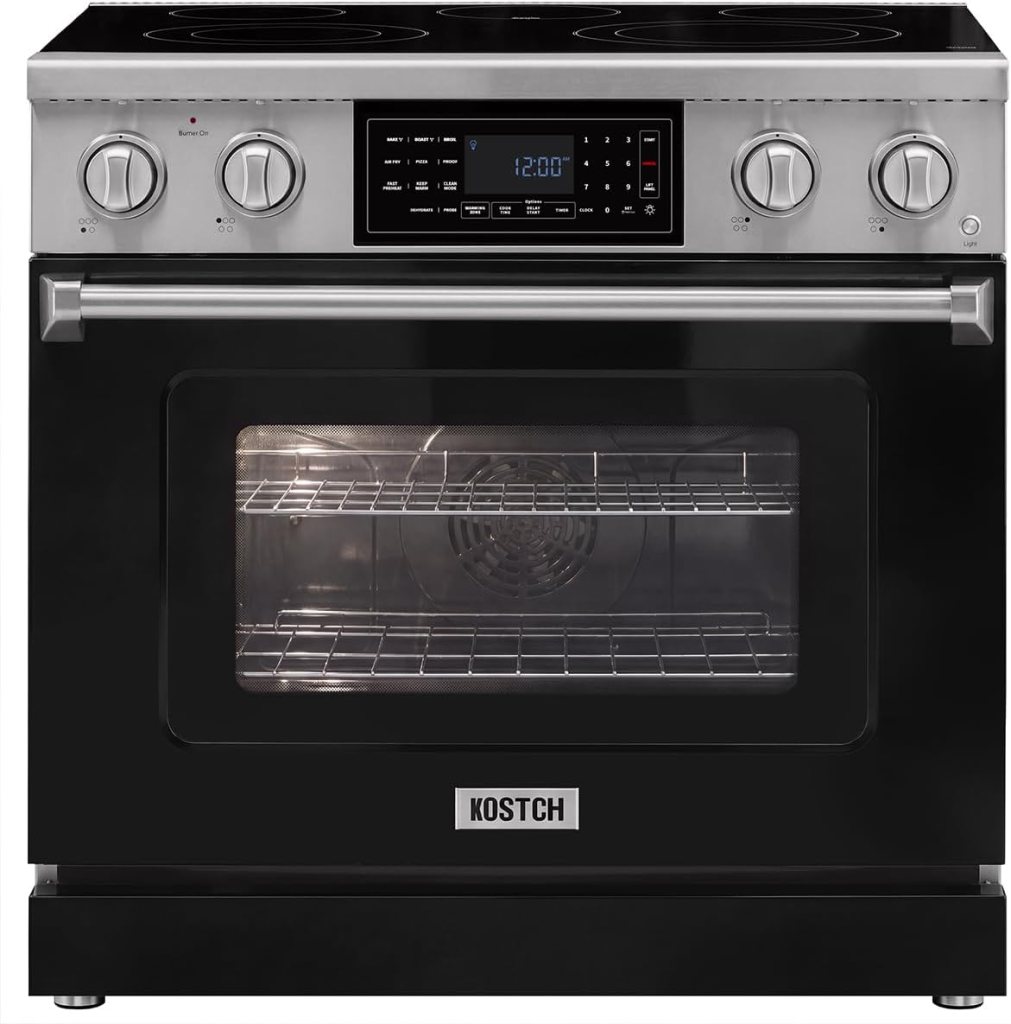
4. Smart Ovens and Ranges: More Control Over Cooking
Smart ovens and ranges can make meal preparation more convenient.
Depending on the appliance, you may be able to monitor cooking temperatures, receive notifications, select certain cooking settings, and control some functions through an app.
Some connected ovens offer:
- Remote monitoring.
- Cooking timers and alerts.
- Guided cooking settings.
- Air-fry or convection functions.
- Temperature probes on selected models.
- Maintenance notifications.
A word of caution: Remote operation does not mean you should leave cooking food unattended. Always follow the manufacturer’s safety instructions, especially when preheating or operating an oven remotely.
5. Robot Vacuums: Let Technology Help With Cleaning
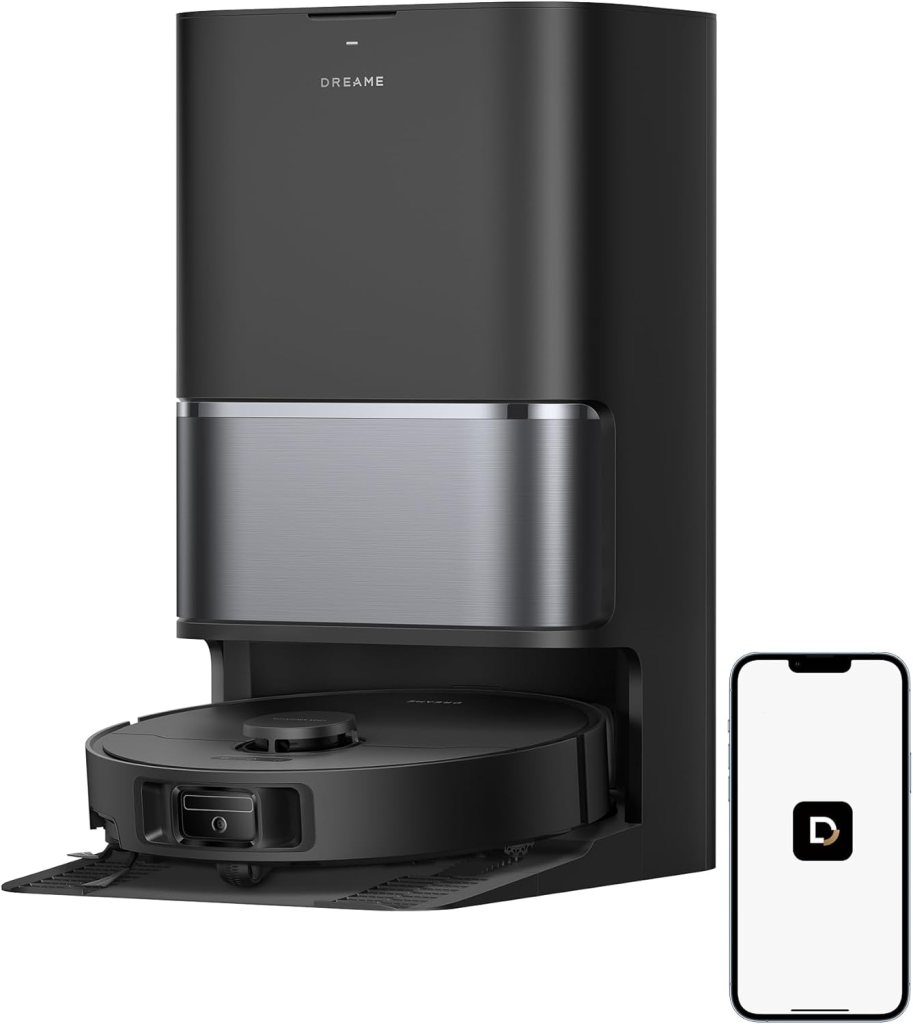
Robot vacuums are among the easiest smart home products to understand.
You place the machine on the floor, connect it to its app, and schedule cleaning sessions. Depending on the model, it can map rooms, avoid certain obstacles, return to its charging dock, and clean designated areas.
More advanced models combine vacuuming and mopping.
Features worth comparing include:
- Room mapping and navigation.
- Carpet and hard-floor performance.
- Pet-hair pickup.
- Obstacle detection.
- Automatic dirt disposal.
- Mop washing and drying docks.
- Smartphone scheduling and controls.
Remember that robot vacuums still need maintenance. Brushes collect hair, filters need cleaning, and water tanks may need attention.
Who should consider one? Busy homeowners, pet owners, and people who want help maintaining their floors between regular cleanings.
6. Smart Thermostats: Manage Your Home’s Temperature
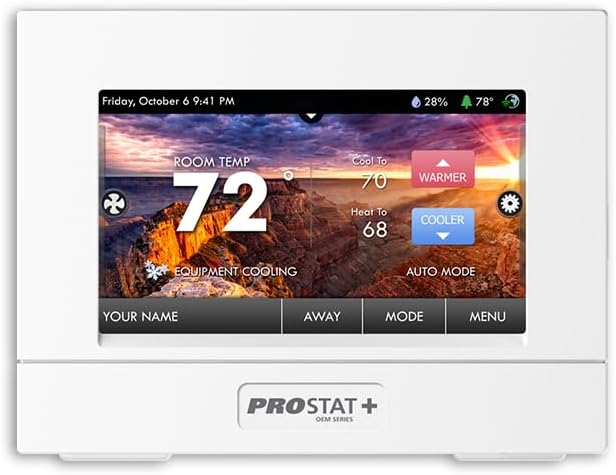
A smart thermostat can be one of the most practical smart-home purchases.
Instead of manually changing the temperature throughout the day, you can create schedules, adjust settings remotely, and use certain automatic features to manage heating and cooling.
Depending on the model, features can include:
- Smartphone temperature controls.
- Automatic schedules.
- Home and away settings.
- Temperature sensors for different rooms.
- Energy-use reports.
- Alerts about certain heating and cooling problems.
A smart thermostat may help reduce unnecessary heating or cooling, but savings depend on your home, climate, HVAC equipment, energy prices, and how you use it.
Before buying, check whether the thermostat is compatible with your heating and cooling system. Some installations require a C-wire or an adapter, and certain systems need professional installation.
7. Smart Air Purifiers: Keep an Eye on Indoor Air
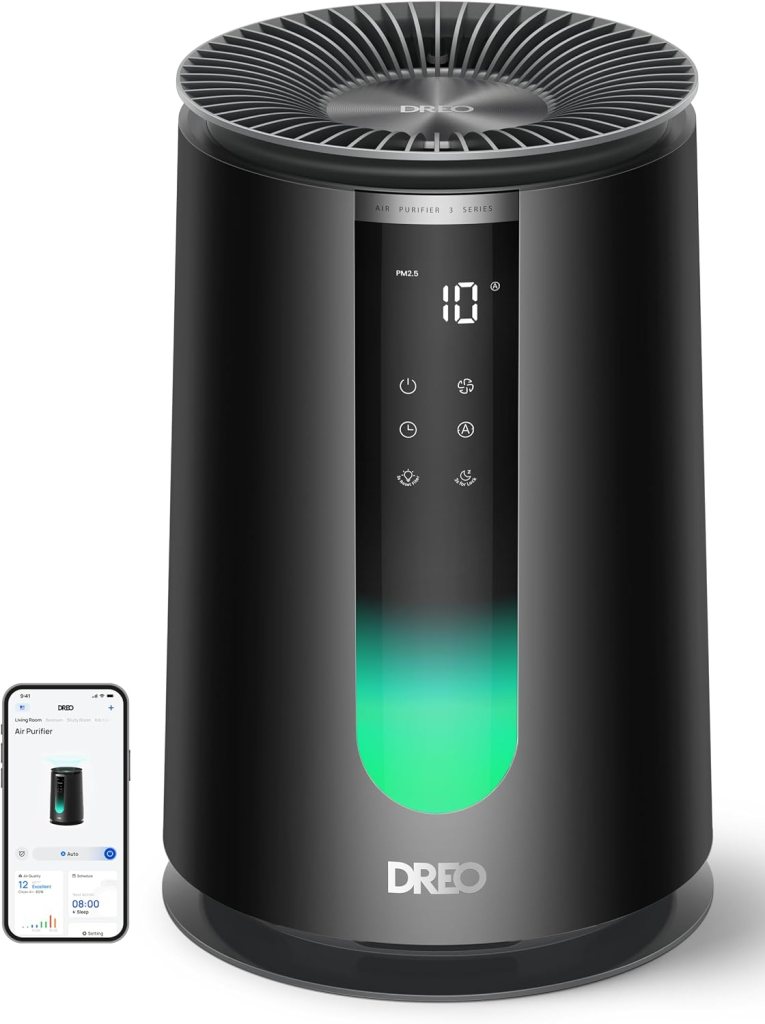
Smart air purifiers can monitor certain indoor air conditions and automatically adjust their fan speed.
Depending on the model, you may receive information about air quality, filter life, and operating status through a smartphone app.
Features to compare include:
- Room-size coverage.
- Clean Air Delivery Rate (CADR).
- Filter replacement cost.
- Noise level.
- Automatic operating modes.
- App controls and air-quality monitoring.
Don’t assume a product with a smartphone app automatically cleans air better than a simpler purifier. The filtration system and room-size rating matter more than the number of connected features.
8. Smart Appliances and Voice Assistants
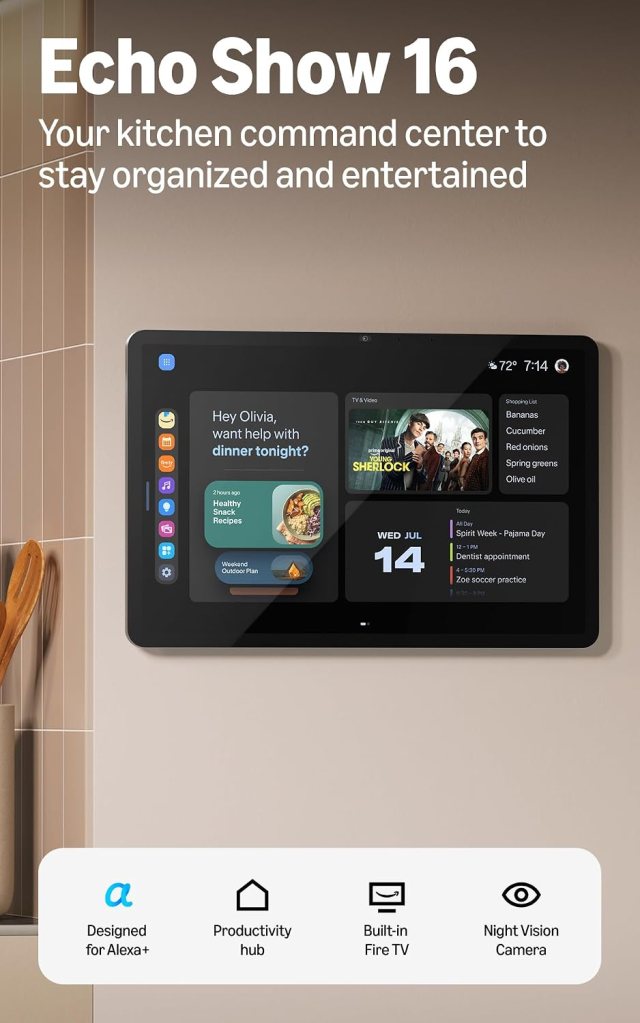
Some smart appliances can work with voice assistants such as Amazon Alexa, Google Home, or Apple Home.
This can allow compatible devices to respond to voice commands or participate in automated routines.
For example, you might use a compatible voice assistant to check the status of a connected appliance or adjust a thermostat.
But compatibility varies. A product that works with Alexa may not support every Google Home or Apple Home feature.
Before buying, check the exact model’s compatibility list rather than relying on a general statement that it is a smart appliance.
What Is a Smart Home Ecosystem?
You may hear the phrase smart home ecosystem. It simply means the collection of connected devices and services that work together in your house.
Examples include:
- Amazon Alexa.
- Google Home.
- Apple Home.
- Samsung SmartThings.
Some products work across multiple platforms, while others are designed around one manufacturer’s app.
A standard called Matter was developed to make it easier for compatible smart-home products from different companies to work together. However, Matter support does not guarantee that every feature of every appliance will work across every platform.
If you plan to build a connected home, choose products carefully and check compatibility before purchasing.
How Much Does It Cost to Make Your Home Smarter?
You don’t have to spend thousands of dollars to get started.
Here are approximate shopping categories:
| Product | Typical price range |
|---|---|
| Smart thermostat | $80–$300 |
| Robot vacuum | $150–$1,000+ |
| Smart air purifier | $100–$500+ |
| Smart dishwasher | $500–$1,500+ |
| Smart washer or dryer | $600–$2,000+ |
| Smart refrigerator | $1,500–$5,000+ |
| Smart oven or range | $800–$3,000+ |
These are broad estimates, not guaranteed current prices. Brand, size, installation, features, and sales can make a substantial difference.
Seven Things to Check Before Buying Smart Appliances
1. Wi-Fi Requirements: Make sure your home internet connection can support the appliance. Some devices require a 2.4 GHz Wi-Fi network or a particular setup.
2. Smartphone Compatibility: Check whether the manufacturer’s app works with your phone and operating system.
3. Subscription Fees: Some connected features are free, while others may require a subscription.
4. Privacy and Security: Review the manufacturer’s privacy policy, app permissions, account security, and software-update practices.
5. Compatibility: Check whether the appliance works with your preferred smart-home platform.
6. Warranty and Repairs: A connected appliance is still a major household investment. Check warranty coverage, service availability, and replacement-part costs.
7. Manual Controls: Make sure you can still operate essential appliance functions if your Wi-Fi or internet connection goes down.
Frequently Asked Questions
1. Do smart appliances need Wi-Fi?
Many connected features require Wi-Fi, but most appliances can still perform their basic functions without an internet connection. Check the manufacturer’s instructions.
2. Can I control smart appliances when I’m away from home?
Many models allow remote monitoring and certain controls through an app. Some functions have safety restrictions and may require the appliance to be prepared first.
3. Are smart appliances worth the extra money?
They can be worthwhile if the connected features solve a real problem for your household. Don’t pay extra for features you won’t use.
4. Can different brands of smart appliances work together?
Sometimes. Compatibility depends on the product, app, smart-home platform, and supported standards such as Matter.
5. Are smart appliances safe from hackers?
No internet-connected device is completely risk-free. Use strong, unique passwords, enable available security protections, install updates, and buy from manufacturers that provide ongoing support.
Final Thoughts from Trusted Tech Buys
Smart appliances are changing the way people manage their homes. From refrigerators and washing machines to robot vacuums and thermostats, connected technology can make everyday tasks easier and give homeowners more information and control.
But you don’t need the newest or most expensive appliance to benefit. Start with the chore or household problem you would most like to simplify. Compare the appliance’s basic performance first, then decide whether its smart features are worth the additional cost.
At TrustedTechBuys.com, we’re here to make technology easier to understand, help you compare your choices, and make smarter buying decisions.


We Welcome Your Reply