
By Trusted Tech Buys
Why pay full price for a computer when a professionally refurbished model might give you the performance you need for less? For families, students, seniors, small businesses, and anyone trying to stretch a technology budget, refurbished computers can be a smart alternative to buying new. The key is knowing what to look for, where to shop, and which warning signs to avoid.
At Trusted Tech Buys, we believe technology should be understandable and affordable for everyone. Here’s how to decide whether a refurbished computer is right for you.
1. Save Money on Your Next Computer
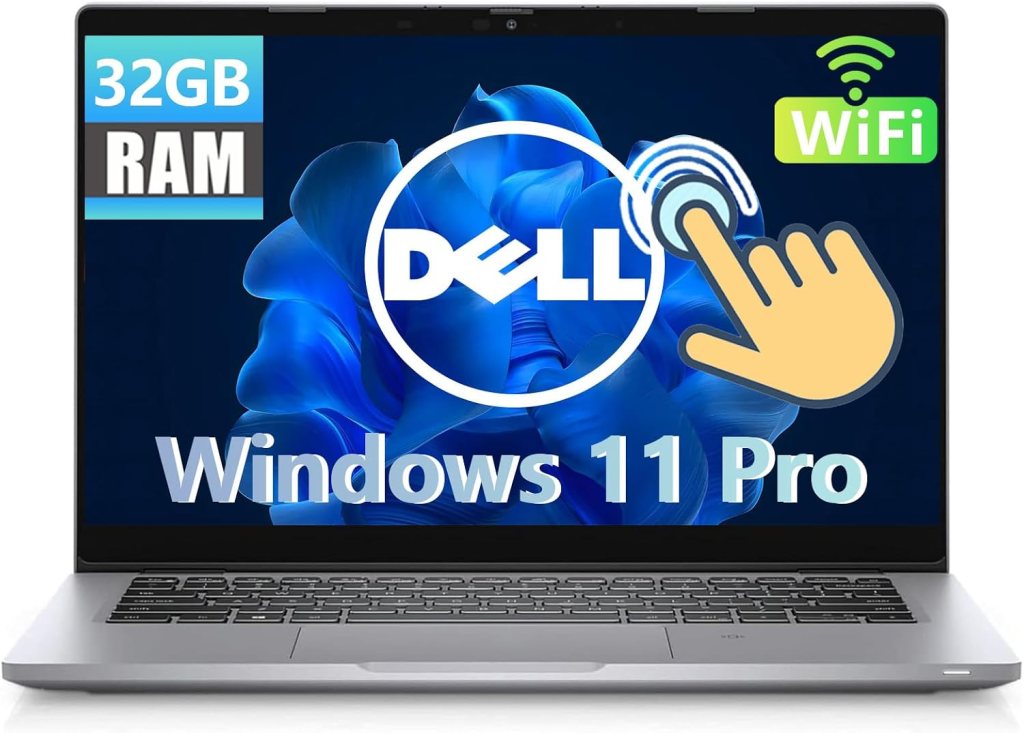
The biggest advantage of buying refurbished is the potential savings. A refurbished laptop or desktop may cost substantially less than a comparable new model, allowing you to keep more money in your pocket.
That savings can be especially valuable if you mainly use your computer for:
- Browsing the internet and checking email.
- Paying bills and shopping online.
- Writing letters and documents.
- Video calls with friends and family.
- Online classes and basic business tasks.
Instead of spending your entire budget on a new computer, you may be able to purchase a capable refurbished model and still have money left for a mouse, protective case, backup drive, or other essentials.
Remember: Compare the specifications and condition of each computer. A lower price doesn’t automatically mean better value.
2. Get More Features for Your Budget
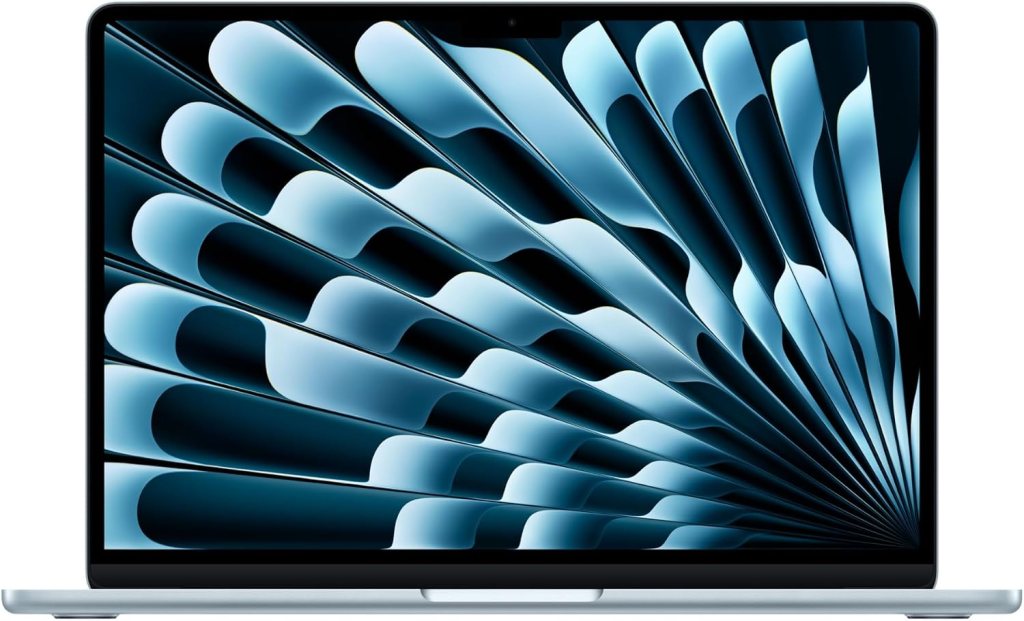
A refurbished computer can sometimes provide better specifications than a new computer at the same price.
For example, a previous-generation business laptop might offer a sturdier construction, a comfortable keyboard, more memory, and better connectivity than a brand-new entry-level model.
Look for an SSD, adequate RAM, a screen that is comfortable to read, and a processor that meets your needs. For many Windows buyers, 16GB of RAM is a useful target when the budget allows, although lighter tasks may work with less.
Before buying, confirm that the computer supports a currently supported operating system and can receive security updates.
3. Reduce Electronic Waste
Computers contain materials and components that require energy and resources to manufacture. Keeping a working computer in use for longer can help reduce unnecessary electronic waste.
Buying refurbished gives a previously owned device another opportunity to serve a useful purpose rather than being discarded prematurely.
If environmental impact matters to you, look for a seller that explains its refurbishment, reuse, and recycling practices.
4. Refurbished Does Not Mean the Same as Used
This distinction is important.
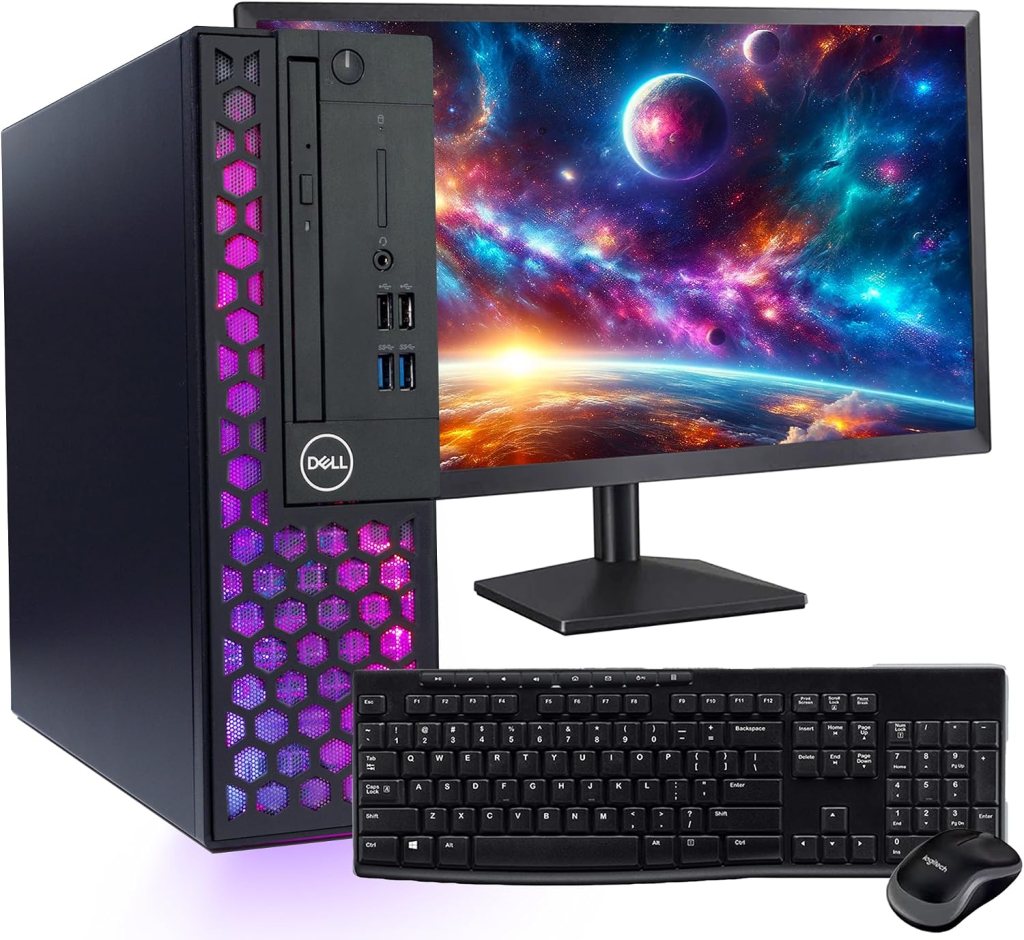
Refurbished computers have generally undergone some form of inspection, testing, cleaning, or repair before resale. The quality of that process varies by seller.
Used computers may simply be resold by their previous owners. They might work perfectly, but they may not have been professionally inspected or repaired.
Certified refurbished computers are sold under a particular manufacturer’s or retailer’s refurbishment program. Read the program’s conditions to understand what testing, warranty, and support are included.
Use this checklist before spending your money:
- Operating system: Verify Windows 11 compatibility if buying a Windows PC.
- Memory: Check the installed RAM and whether it can be upgraded.
- Storage: Prefer an SSD and make sure capacity is sufficient.
- Battery: For laptops, ask about battery health and replacement options.
- Screen and keyboard: Check for damage, dead pixels, missing keys, and other defects.
- Warranty: Find out exactly what is covered and for how long.
- Returns: Confirm the return deadline and any restocking fees.
- Accessories: Check whether the correct charger is included.
- Seller reputation: Read recent reviews and understand who handles repairs.
- Data security: Make sure the computer has been securely wiped and reset.
Be especially careful with unusually cheap computers that cannot receive security updates. Saving money isn’t worth being stuck with an unsuitable or insecure device.
5. Are Refurbished Computers Right for Everyone?
Not necessarily. A refurbished model may be excellent for everyday computing, but a new computer could be preferable if you need the latest performance, a particular configuration, a fresh battery, or specialized features.
If you use demanding professional software, edit large video files, or play modern games, compare the exact processor, graphics capability, memory, and storage before deciding.
For general browsing, documents, online banking, and video calls, a properly refurbished computer may provide everything you need.
Frequently Asked Questions
1. Are refurbished computers reliable?
They can be, particularly when professionally inspected and sold by a reputable provider. Reliability depends on the device’s condition, refurbishment quality, and warranty.
2. How much money can I save?
Savings vary by model, age, condition, and seller. Compare the final price of equivalent specifications rather than relying on advertised discounts.
3. Is a refurbished computer safe for online banking?
It can be, provided the device supports current security updates, has been securely reset, and is properly maintained. Use strong passwords and multifactor authentication.
4. Should I buy a refurbished laptop or desktop?
Choose a laptop if you need portability. A desktop may suit a fixed home workspace and can sometimes offer easier upgrades.
5. What is the most important thing to check?
Check operating-system support, condition, warranty, return policy, and specifications. These factors matter more than a low advertised price alone.
Final Thoughts: Smart Shopping Can Save You Money
Buying refurbished can be a practical way to get a capable computer without paying full retail price. The best purchases come from comparing specifications, checking the seller’s reputation, and understanding the warranty and return policy before ordering.
At Trusted Tech Buys, we’re here to help you make informed technology decisions without confusing jargon or unnecessary spending.


We Welcome Your Reply