
By Trusted Tech Buys
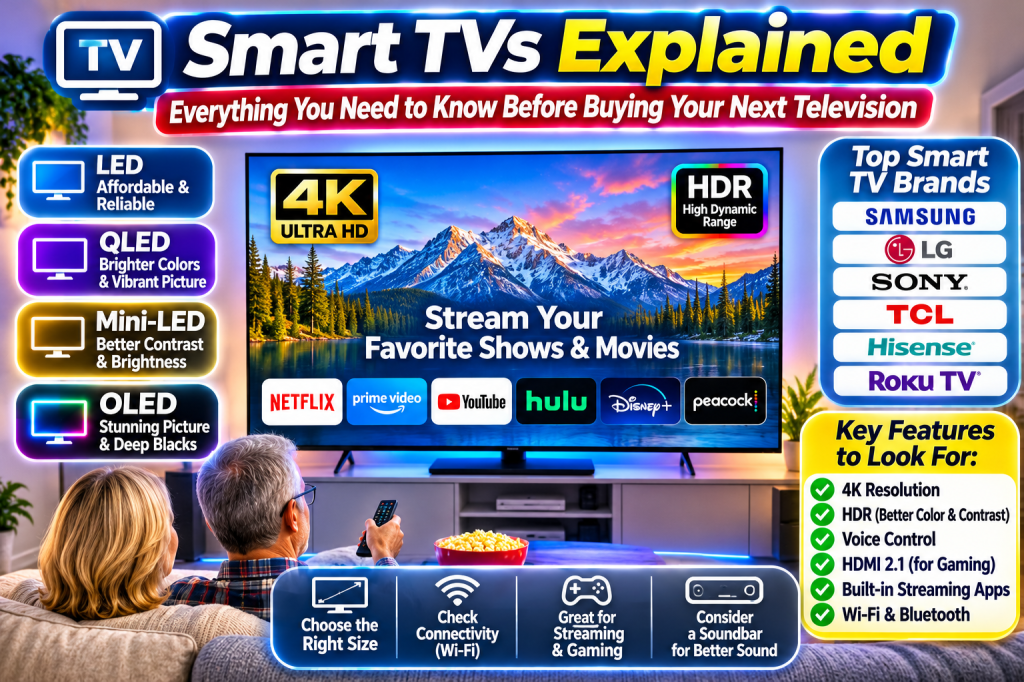
Television has changed dramatically. Today’s TVs can do much more than display your favorite programs. A modern Smart TV can connect to the internet, stream movies, play music, display photos, connect with smart-home devices, and even respond to voice commands. But with so many brands, features, and technical terms, choosing the right television can become confusing. Let’s make it easy to understand.
What Exactly Is a Smart TV?
A Smart TV is a television that connects to the internet and gives you access to streaming services and other online features without requiring a separate streaming device.
Instead of watching only traditional cable or antenna channels, you can open apps such as:
- Netflix
- Amazon Prime Video
- YouTube
- Hulu
- Disney+
- Peacock
- Paramount+
Most Smart TVs include built-in Wi-Fi, an app store, and a remote control that may include voice commands. You can watch movies, catch up on television programs, follow news, listen to music, and enjoy online entertainment.
The Big Advantage: You may not need a separate Roku, Fire TV Stick, or other streaming device because the television already has streaming capabilities built in.
Understanding the Different Types of Smart TV Screens
One of the biggest decisions when buying a television is choosing the screen technology. Manufacturers use terms such as LED, QLED, Mini-LED, and OLED. Here’s what they mean.
LED TVs: Affordable Everyday Viewing
LED televisions use a backlight to illuminate the picture. They are generally among the more affordable options and work well for everyday television viewing, news, sports, and streaming.
They are a practical choice if you want a good television without spending a fortune.
QLED TVs: Brighter Colors and More Vivid Pictures
QLED stands for Quantum Dot LED. These televisions use a special layer of quantum dots to produce a wider range of colors and often deliver a brighter picture than basic LED models.
QLED is worth considering if you watch television in a bright living room or enjoy colorful movies and sports.
Mini-LED TVs: Better Control of Brightness
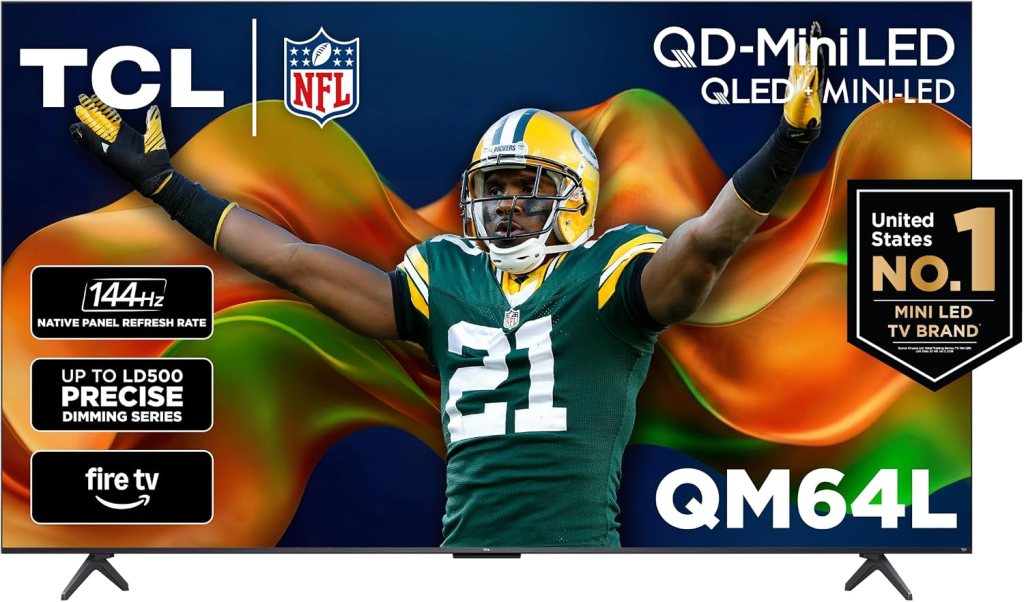
Mini-LED televisions use many tiny backlights that can be controlled in separate areas. This helps improve contrast, brightness, and dark-scene detail.
They can offer impressive picture quality without necessarily costing as much as premium OLED models.
OLED TVs: Outstanding Picture Quality
OLED televisions use individual pixels that produce their own light. Because individual pixels can turn completely off, OLED screens can deliver exceptionally deep blacks and excellent contrast.
They are popular with movie enthusiasts and gamers, although they often cost more than ordinary LED televisions.
For a helpful explanation of television screen technology, visit Consumer Reports
What Is 4K Television?
You will see 4K advertised on nearly every modern television.
4K refers to the screen’s resolution, meaning the number of tiny picture elements, called pixels, used to create the image. A standard 4K television has approximately 3,840 horizontal pixels and 2,160 vertical pixels.
That is about four times as many pixels as a Full HD 1080p television.
What does that mean to you? A 4K television can display more detail, sharper images, and clearer pictures, especially when watching 4K movies and programs.
You do not need to spend extra money on an 8K television just because the number sounds better. For most households, 4K remains the sensible choice because 8K content is limited and the additional resolution may not be noticeable at normal viewing distances.
Popular Smart TV Brands Worth Exploring
There are several established television manufacturers. Each offers different screen technologies, sizes, prices, and smart-TV platforms.
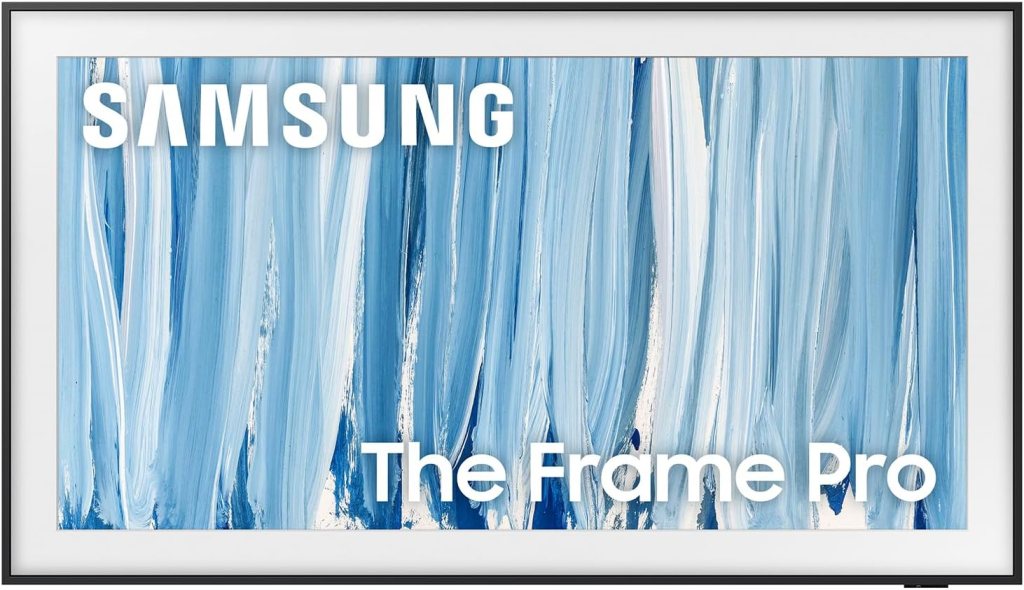
Samsung: Samsung offers Crystal UHD, QLED, Neo QLED, and OLED televisions. Its smart-TV platform is called Tizen.
LG: LG is well known for OLED televisions and also sells LED and QNED models. Its smart-TV platform is called webOS.
Sony: Sony televisions are known for their picture processing and Google TV experience on many models.
TCL: TCL offers a wide selection of affordable and higher-performance televisions, including QLED and Mini-LED models. Many models use Google TV or Roku TV.
Hisense: Hisense offers televisions ranging from budget-friendly models to brighter Mini-LED and QLED sets.
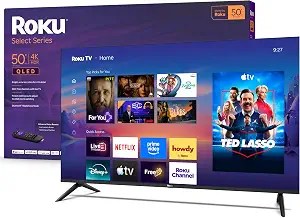
Roku TVs: Roku makes televisions and also provides its streaming platform to other television manufacturers. Its menus are designed to make streaming services easy to find.
Google TV, Roku TV, Fire TV, and Other Smart Platforms
The operating system is the software that controls the television‘s menus, apps, and smart features. This is important because you will use it every time you turn on your TV.
Google TV: Brings streaming services and recommendations together in one interface. It also supports Google Assistant features on compatible models.
Roku TV: Known for a straightforward home screen and easy access to streaming channels.
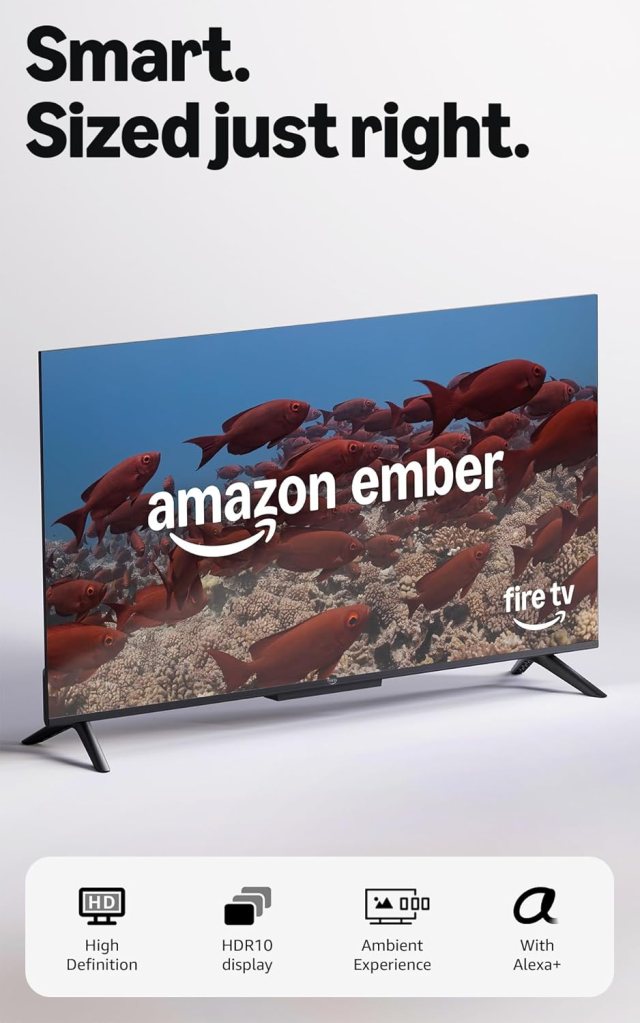
Amazon Fire TV: Integrates Amazon’s entertainment services and Alexa voice features on compatible televisions.
Samsung Tizen: Samsung’s television platform provides access to streaming apps, settings, and connected-device features.
LG webOS: LG’s platform provides streaming apps, smart-home features, and other television controls.
Before purchasing, check that the television supports the streaming apps you actually use. App availability can vary by model, country, and software version.
How Big Should Your Smart TV Be?
Bigger is not automatically better. You want a screen that fits your room and viewing distance.
Here are some general shopping suggestions:
- 32 inches: Bedrooms, kitchens, offices, and smaller spaces.
- 43–50 inches: Smaller living rooms and apartments.
- 55 inches: A popular size for many living rooms.
- 65 inches: A good option for larger viewing areas.
- 75 inches and larger: Home theaters and spacious living rooms.
Measure the space before ordering. Remember that the advertised screen measurement is taken diagonally, not across the width.
Features Worth Looking For
When comparing Smart TVs, pay attention to these features:
Wi-Fi Connectivity: Allows the television to connect to your home internet without an Ethernet cable.
Voice Control: Lets you search for programs, open apps, and adjust certain settings using voice commands on compatible models.
HDMI Ports: These allow you to connect game consoles, cable boxes, Blu-ray players, and soundbars. Check how many ports you need.
HDMI 2.1: Particularly useful for certain newer gaming consoles because compatible televisions can support features such as 4K at 120Hz and variable refresh rate. Not every television with an HDMI 2.1 port supports every feature, so check the specifications.
HDR: High Dynamic Range can improve brightness, contrast, and color when the program and television support the same HDR format.
Bluetooth: Allows compatible wireless headphones, speakers, and other accessories to connect.
Screen Mirroring: Lets you display content from a compatible smartphone or tablet on your television.
Do You Need a Soundbar?
Many modern televisions have slim designs, which can limit the size of their built-in speakers. If dialogue sounds weak or movies lack impact, a soundbar can make a noticeable difference.
A soundbar is a long speaker system that sits below your television or mounts on the wall. Some models include a separate subwoofer for deeper bass.
Brands worth exploring include:
You do not have to buy one immediately. Try the television‘s built-in speakers first and decide whether you want better sound.
What About Privacy and Internet Security?
Smart TVs are connected devices, so it is worth paying attention to privacy and security.
Some televisions collect viewing and usage information to personalize recommendations or advertising. During setup, review privacy choices instead of automatically accepting every option.
A few sensible precautions:
- Use a strong password for your home Wi-Fi.
- Install television software updates.
- Review advertising and viewing-data settings.
- Download apps only from the television‘s official app store.
- Disable voice or microphone features you do not want to use.
- Avoid connecting your television to unfamiliar networks.
Also remember that streaming requires an internet connection. If your internet service goes down, built-in streaming apps may stop working, although an antenna or another connected source may still provide television programming.
Five Questions to Ask Before Buying
- Does the television have the streaming apps I use?
- Is the screen large enough for my room?
- Do I want LED, QLED, Mini-LED, or OLED?
- Does it have enough HDMI ports for my equipment?
- Does the price fit my budget without sacrificing features I actually need?
Frequently Asked Questions
1. Do I need cable television to use a Smart TV?
No. You can stream programs and movies over the internet. You can also connect an antenna or cable box if you want traditional channels.
2. Does a Smart TV require Wi-Fi?
Wi-Fi is needed for most streaming and internet features. Some televisions can also connect using an Ethernet cable.
3. Can I watch regular television on a Smart TV?
Yes. You can connect an antenna, cable box, or satellite receiver, depending on your setup.
4. Is a 4K Smart TV worth buying?
For most people, yes. 4K provides a detailed picture and is widely supported by modern streaming services and television equipment.
5. How long should a Smart TV last?
Lifespan varies with the model, usage, and conditions. Even when the screen still works, its built-in apps or software support may eventually become outdated. An external streaming device can sometimes extend its usefulness.
Final Thoughts From Trusted Tech Buys
Buying a Smart TV should not require an engineering degree. The most important things are choosing the right screen size, finding a picture quality that fits your budget, and making sure the television supports the streaming services you enjoy.
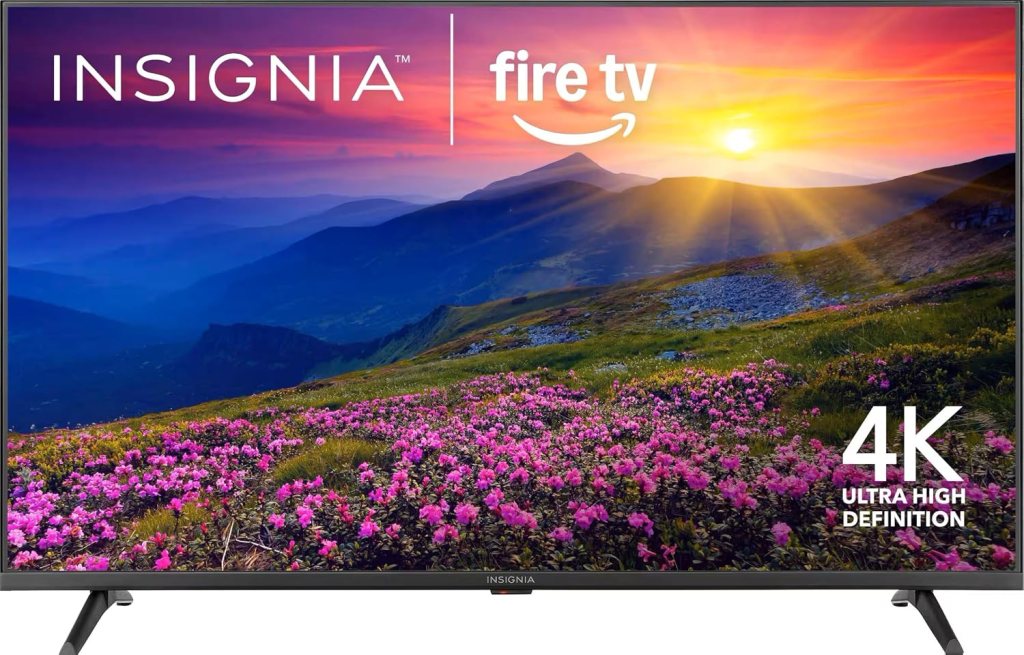
For most households, a 4K Smart TV from an established manufacturer is a sensible starting point. If you want stronger brightness and color, consider QLED or Mini-LED. If exceptional movie picture quality is your priority, compare OLED models.
Don’t pay extra for features you will never use. Buy what makes sense for your home, your entertainment habits, and your budget.
Trusted Tech Buys — Smart Technology. Honest Reviews. Better Buys. Making Technology Easy to Understand for Everyone.


We Welcome Your Reply