
By Trusted Tech Buys
A gaming keyboard can do more than light up your desk. The right one can make gameplay feel more responsive, provide comfortable typing, and give you useful shortcuts during intense matches. But with prices ranging from under $30 to more than $250, how do you know which keyboard is worth buying? The good news is that you don’t need the most expensive model to enjoy a great gaming experience.
1. Mechanical vs. Membrane Keyboards
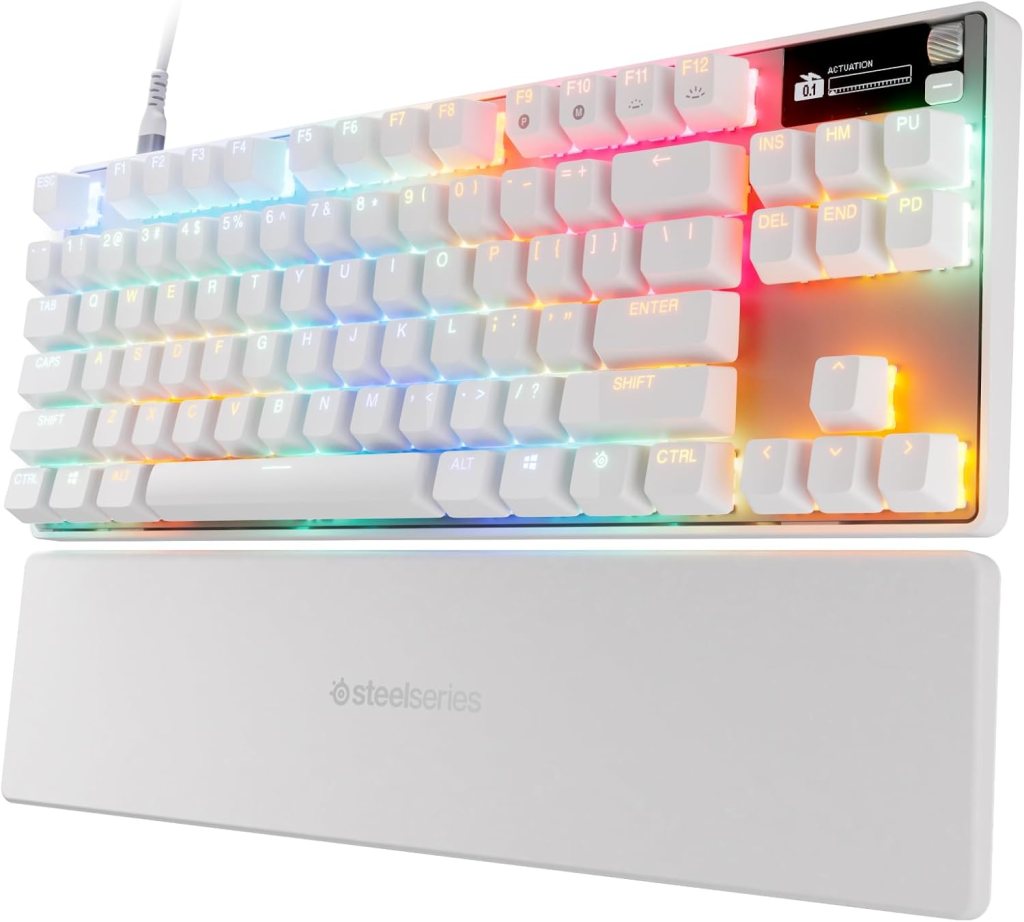
Mechanical keyboards use individual switches beneath their keys. Many gamers like their responsive feel, durability, and variety of switch types. Some are louder than others, so consider your room and whether other people might be disturbed.
Membrane keyboards use a pressure-sensitive membrane beneath the keys. They are often less expensive and can be quieter. They’re a practical choice for beginners, casual gaming, and shoppers who want to save money.
Which should you buy? If you play competitive games regularly, a mechanical keyboard may be worth considering. If you play occasionally or need an affordable keyboard for everyday use, a membrane model may be perfectly adequate.
2. Understand the Different Keyboard Sizes
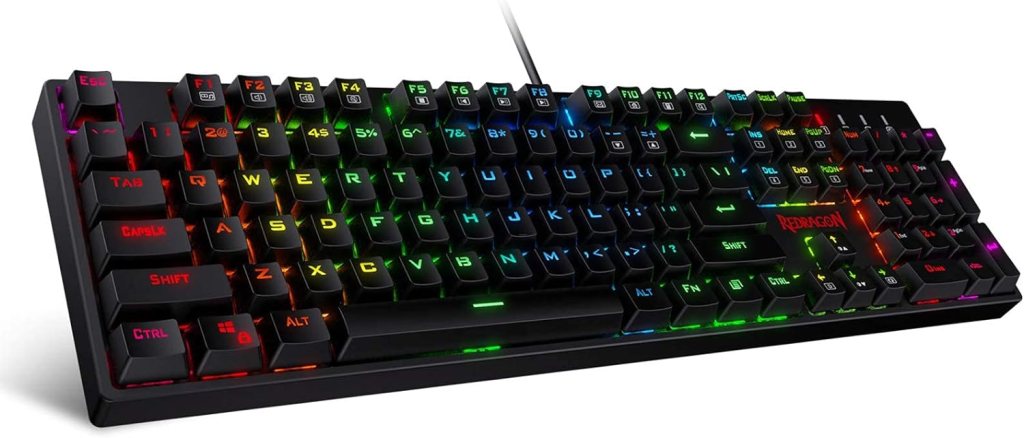
- Full-size: Includes the number pad, function keys, and navigation keys. Best for people who also use spreadsheets or enter numbers frequently.
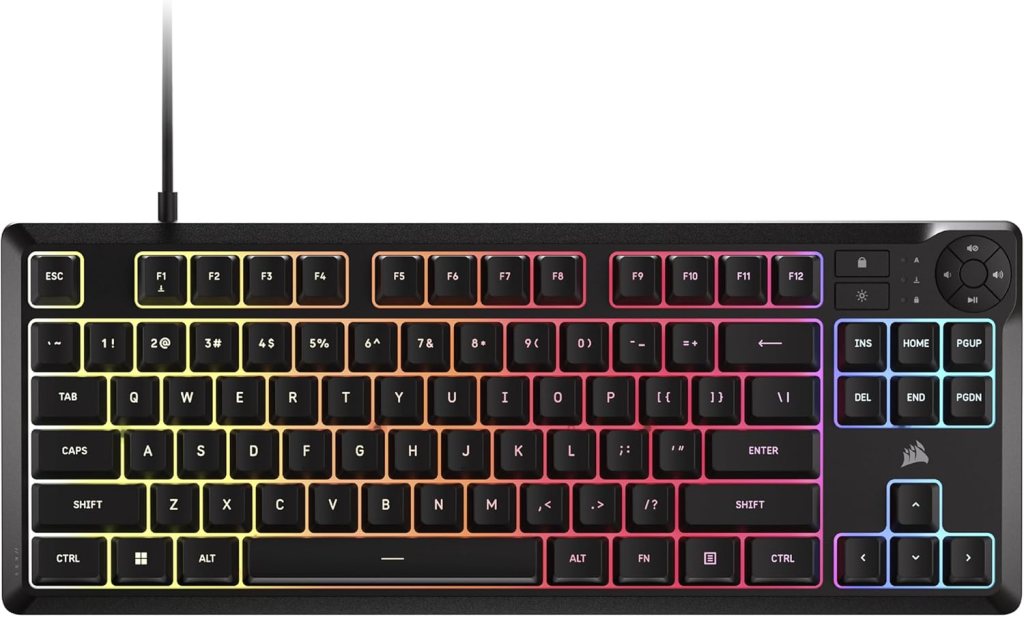
- Tenkeyless (TKL): Removes the number pad to leave more room for mouse movement.
- 75% keyboard: A compact layout that retains many useful keys while taking up less desk space.
- 60% keyboard: Very compact, with many functions accessed through key combinations. It suits minimal setups but may require an adjustment period.
Think about your desk space and the games you play before choosing a layout.
3. How Much Should You Spend on a Gaming Keyboard?
Here are approximate U.S. price ranges to help you plan your purchase. Actual prices vary by brand, features, and sales.
- Budget: $20–$50. Basic gaming keyboards with standard layouts and sometimes colorful lighting. Good for beginners and casual players.
- Midrange: $50–$100. Often includes better construction, mechanical switches on many models, customizable controls, and more software options.
- Premium: $100–$180. May offer improved materials, hot-swappable switches, advanced customization, or wireless connectivity.
- High-End: $180–$300 or More. Designed for enthusiasts who want specialized switches, premium construction, advanced wireless features, or extensive customization.
My recommendation: Many gamers should begin by comparing keyboards in the $50–$100 range. That budget can offer a good balance of useful features and value without paying extra for features you may never use.
4. Wired or Wireless?
Wired keyboards connect directly to your computer, usually through USB. They are generally simple to set up, don’t need charging, and often cost less.
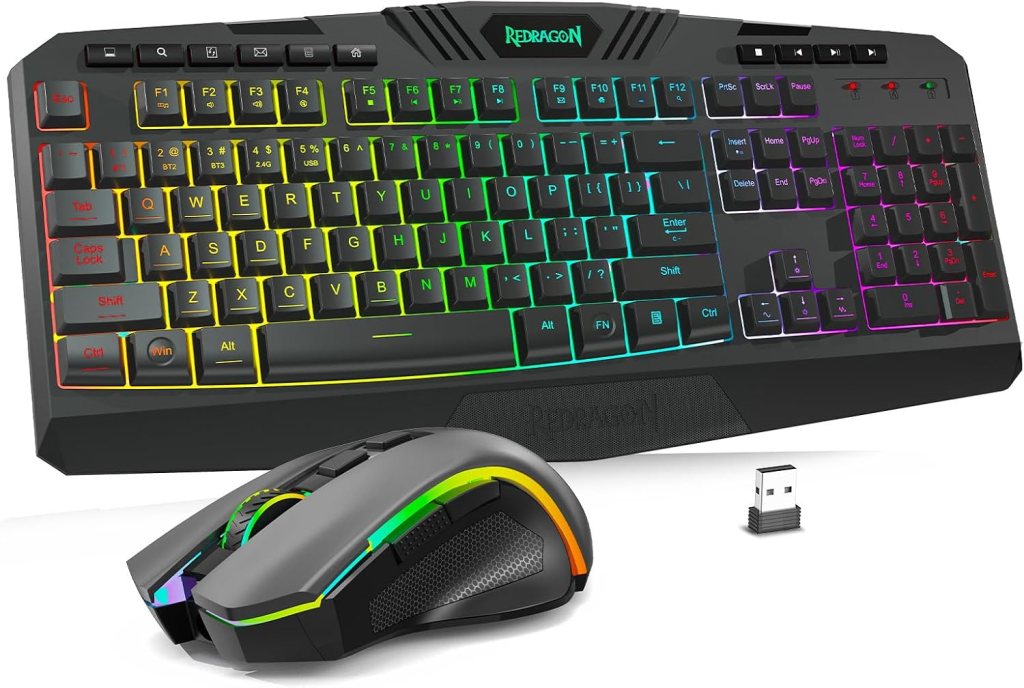
Wireless keyboards reduce desk clutter and provide more flexibility. Some use Bluetooth, while gaming-focused models may use a dedicated low-latency wireless receiver. Battery life and connection options vary.
For competitive gaming, check independent reviews of a keyboard’s response time rather than assuming all wireless models perform the same.
5. Features Worth Considering
Anti-ghosting and key rollover: These features help a keyboard register multiple keys pressed together, which can be useful in games that require several simultaneous commands.
Switch type: Linear switches move smoothly, tactile switches provide a noticeable bump, and clicky switches make an audible click. Personal preference matters, so try them when possible.
Backlighting: Lighting helps you see keys in dim rooms. RGB lighting adds customization, but it doesn’t make you a better player.
Hot-swappable switches: These allow compatible switches to be replaced without soldering. This can appeal to enthusiasts who like customizing their keyboards.
Wrist rests: A wrist rest may improve comfort for some users, but proper keyboard placement and a relaxed wrist position matter more than accessories alone.
6. Avoid These Common Buying Mistakes
- Paying extra for RGB lighting when you care more about performance.
- Buying a compact keyboard without checking whether it has the keys you need.
- Choosing loud switches for a shared room.
- Ignoring compatibility with your computer or operating system.
- Assuming a higher price guarantees better performance.
- Forgetting to check the return policy in case the keyboard feels uncomfortable.
Frequently Asked Questions
1. Are mechanical keyboards better for gaming?
They offer a wide choice of switch types and feedback, but personal comfort and preference matter.
2. How much should I spend on a gaming keyboard?
The $50–$100 range is a useful starting point for comparing feature-rich options.
3. Are wireless gaming keyboards good?
Yes. Many perform well, but check reviews for latency, battery life, and connection reliability.
4. Is RGB lighting necessary?
No. It is mainly a customization feature and is not required for good gaming performance.
5. What keyboard size is best for gaming?
A full-size keyboard offers every standard key, while TKL and smaller layouts leave more desk space for mouse movement.
Final Thoughts
The best gaming keyboard is the one that fits your hands, desk, games, and budget. Mechanical models are popular, but a well-chosen affordable keyboard can still deliver an enjoyable gaming experience. Compare the layout, switches, connectivity, and warranty before buying.


We Welcome Your Reply