
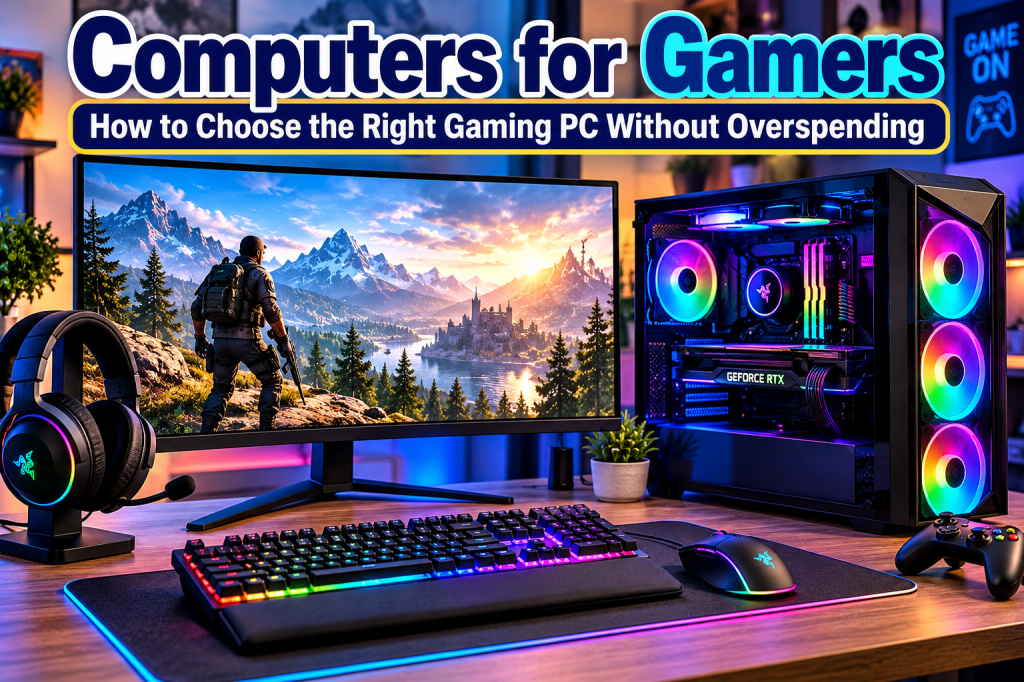
Shopping for a gaming computer? Learn how to compare gaming desktops and laptops, understand graphics cards and processors, choose the right RAM and storage, and avoid overspending on features you don’t need.
Gaming computers can deliver incredible graphics, fast action, and immersive experiences—but choosing the right one can be confusing. With so many processors, graphics cards, memory options, and price points, how do you know what you actually need? The good news is that you don’t have to buy the most expensive computer to enjoy your favorite games. The secret is matching the computer to the games you play and the amount you’re comfortable spending.
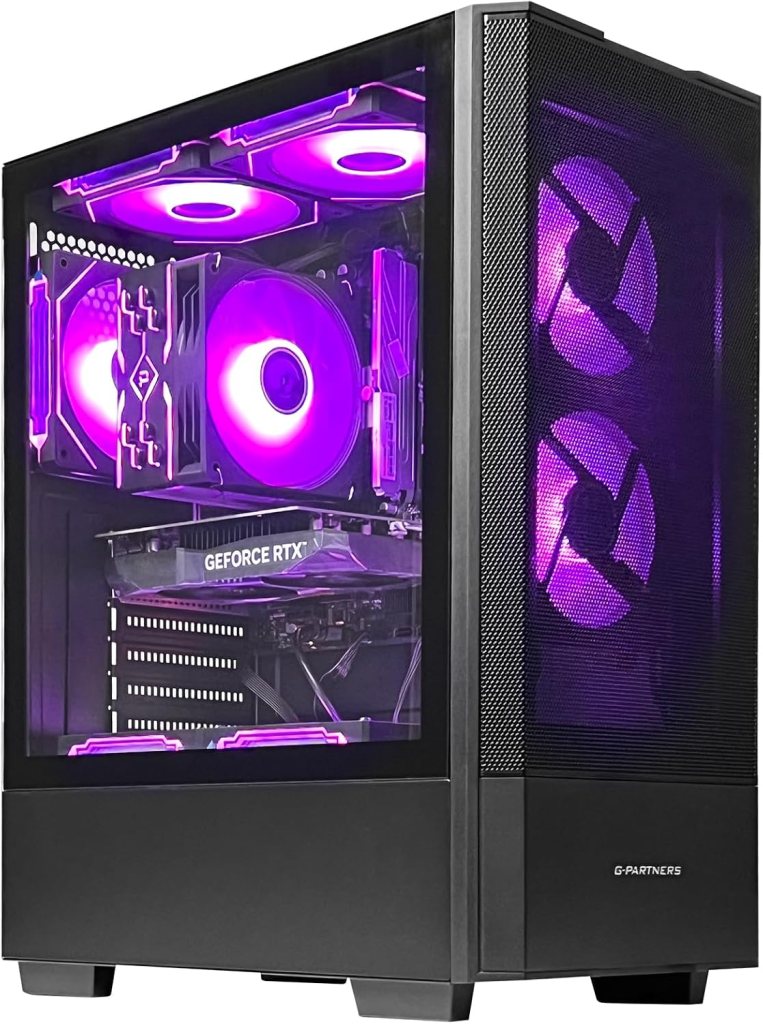
1. Gaming Desktop or Gaming Laptop?
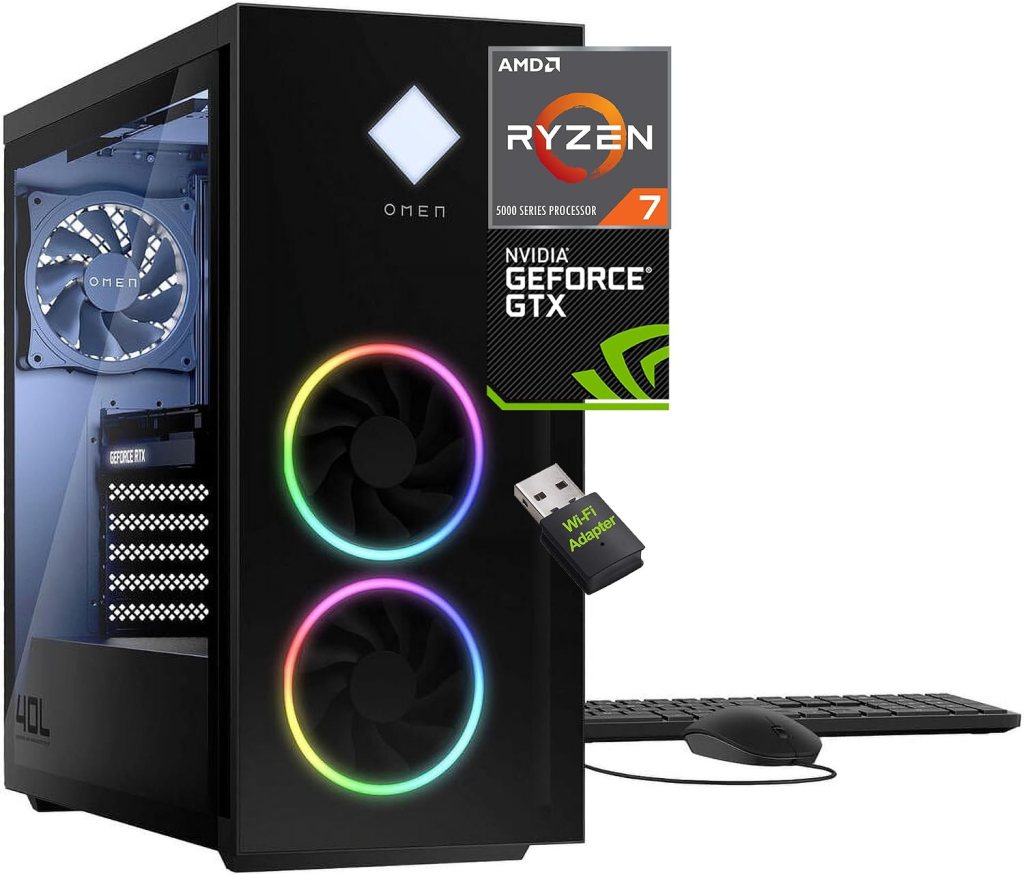
Gaming desktops are excellent for people who play primarily at home. They generally offer better cooling, more room for upgrades, and greater performance flexibility for the money. You can also choose your own monitor, keyboard, and mouse.
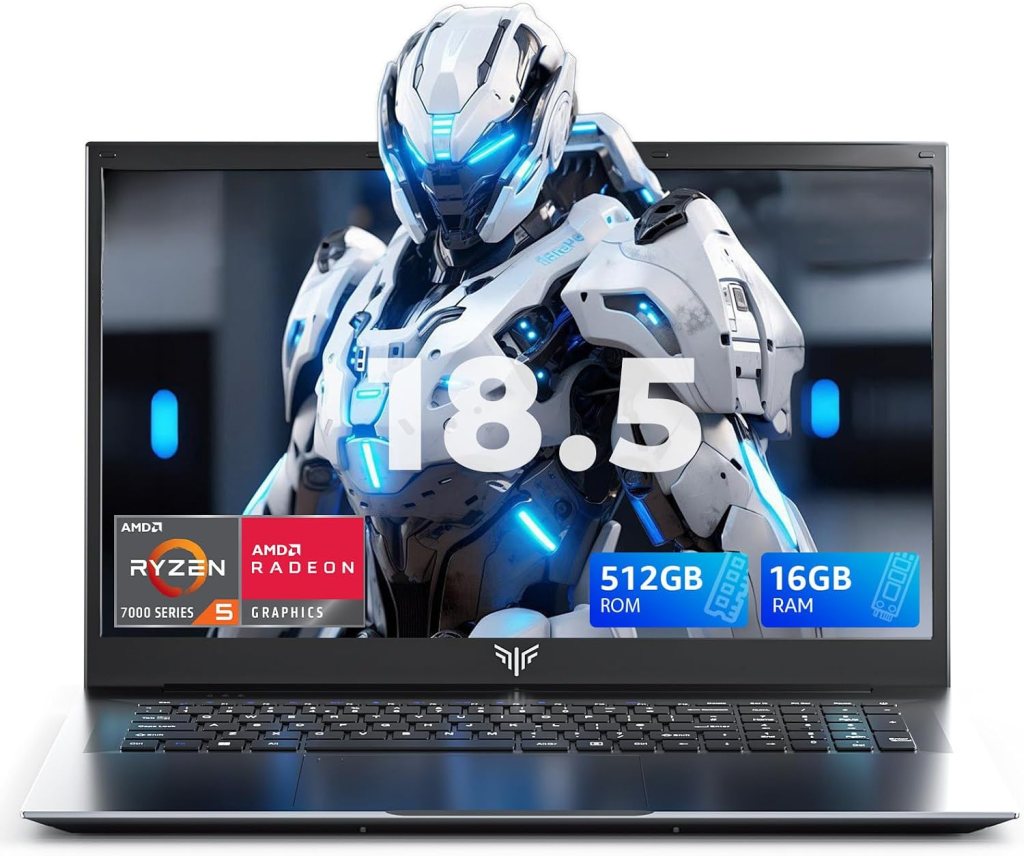
Gaming laptops are ideal for gamers who need portability. They combine the screen, keyboard, computer, and battery into one device. However, they can cost more for comparable performance, and upgrading major components is usually more limited.
2. Understand the Five Most Important Features
Graphics card (GPU): This component creates the images you see in games. It is one of the most important parts of a gaming PC. NVIDIA GeForce RTX, AMD Radeon RX, and Intel Arc graphics are options worth comparing. Dedicated graphics cards are generally preferable for demanding modern games.
Processor (CPU): Think of this as the computer’s brain. A modern Intel Core or AMD Ryzen processor can provide strong gaming performance. You don’t automatically need the most expensive model.
Memory (RAM): RAM helps the computer handle games and other programs at the same time. For a new gaming PC, 16GB is a reasonable starting point; 32GB offers more room for demanding games, multitasking, and streaming.
Storage: An SSD helps Windows start quickly and reduces game loading times. Consider at least 1TB if your budget allows, particularly if you plan to install several large games.
Cooling and power: Gaming generates heat. Look for a case with good airflow, adequate cooling, and a reliable power supply appropriate for the installed components.
3. How Much Should You Spend?
Your budget should reflect your gaming habits—not pressure to own the newest equipment.
- Entry-level: (Entry-Level Gaming PC: $700–$1,200) Best for casual gaming, lighter games, and many popular competitive titles at suitable settings.
- Midrange: (Midrange Gaming PC: $1,200–$2,200) A good target for gamers who want stronger graphics, smoother gameplay, and the flexibility to play a wider variety of modern titles.
- High-end: (High-End Gaming PC: $2,200–$3,500) Designed for demanding games, high resolutions, advanced graphics effects, and enthusiasts who want premium performance.
Prices change frequently, so compare complete systems rather than relying on a price range alone. Remember to budget for a monitor, keyboard, mouse, headset, and other accessories if they aren’t included.
4. Don’t Forget the Gaming Monitor
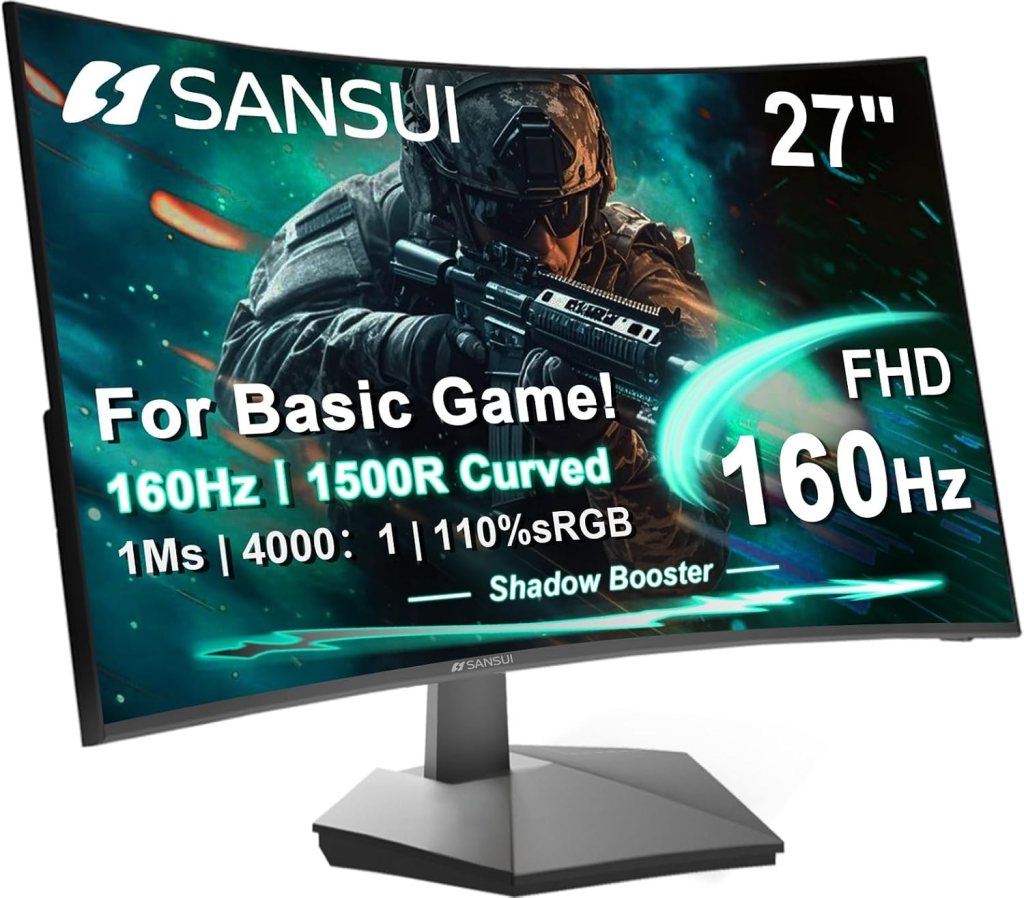
A powerful PC needs a monitor that can show what it can do. A 1080p monitor can be a practical choice for budget-conscious gamers. A 1440p monitor offers sharper images, while 4K delivers greater detail but requires more graphics performance.
Refresh rate matters, too. A 144Hz or 165Hz monitor can make motion look smoother than a traditional 60Hz display when your computer produces enough frames per second. Competitive gamers may benefit from higher refresh rates, while casual players may prefer to spend more on image quality or a larger screen.
Also consider a comfortable gaming mouse, responsive keyboard, headset with a clear microphone, and a sturdy desk setup.
5. Should You Build Your Own Gaming PC?
Building a computer lets you select individual components and may make future upgrades easier. However, you must check compatibility, assemble the parts correctly, install the operating system, and troubleshoot problems if they occur.
A prebuilt gaming PC is often simpler for beginners because it arrives assembled and may include technical support or a warranty. Compare the warranty terms, upgrade options, and exact components before purchasing.
6. Avoid These Common Buying Mistakes
- Buying an expensive graphics card while ignoring the processor, cooling, or power supply.
- Choosing too little storage for a large game library.
- Assuming every gaming computer can run every game at maximum settings.
- Paying extra for colorful lighting instead of better performance.
- Forgetting to check the game’s official system requirements.
- Buying a monitor whose resolution and refresh rate don’t match your computer’s capabilities.
The bottom line: The best gaming computer is the one that runs the games you love at the quality you want, fits your budget, and leaves room for the accessories you need. Compare specifications carefully, check current prices, and don’t pay for performance you won’t use.
Frequently Asked Questions
1. Is a gaming PC better than a gaming laptop?
A desktop usually offers better upgrade options and cooling. A laptop is better when portability matters.
2. How much RAM should a gaming computer have?
Sixteen gigabytes is a reasonable starting point; 32GB is a useful target for demanding games and multitasking.
3. Is the graphics card more important than the processor?
For many graphically demanding games, the graphics card has the greatest impact, although the processor also matters.
4. Do I need an expensive gaming monitor?
No. Choose a monitor that matches your budget, preferred resolution, and the performance your PC can deliver.
5. Should a beginner build or buy a gaming PC?
A prebuilt PC is often the easier starting point. Building one can offer more control if you’re comfortable learning about components.
Final Thoughts from Trusted Tech Buys
Choosing the right gaming PC doesn’t have to be complicated or expensive. Focus on the games you want to play, set a realistic budget, and compare the graphics card, processor, memory, and storage before making your decision. A little research today can save you money and help you enjoy a better gaming experience for years to come.


We Welcome Your Reply